Request emergency IT or WordPress support from BrightPrompt. See business-hours response targets, after-hours limits, scope, and published pricing.
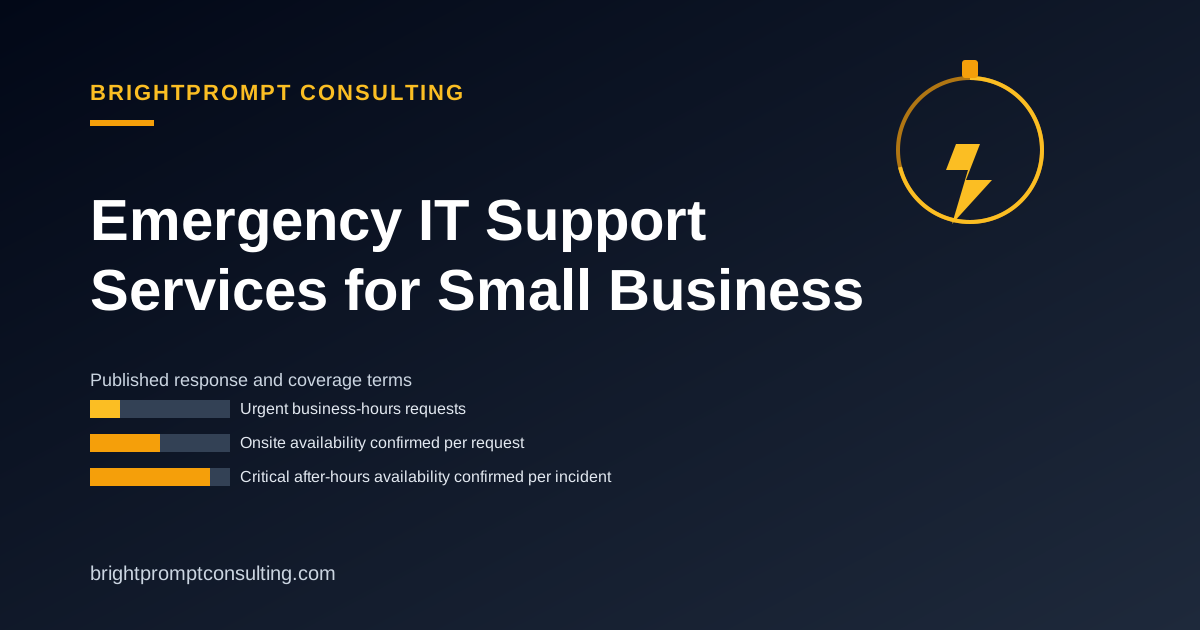
Emergency IT Support Services for Small Businesses
IT emergency support, also called emergency IT support, is help for a network, server, website, security incident, or other technology failure that stops or seriously disrupts normal business operations. BrightPrompt Consulting LLC is a small-business IT consulting firm that provides remote and onsite IT support, including urgent website and WordPress help, with availability confirmed under the terms below.
Need help now? Call 256.344.1445, email info@brightpromptconsulting.com, or Describe the IT emergency. Include the business impact, affected systems, when the issue began, recent changes, and whether work is completely blocked.
Response times and coverage hours
| Request type | When BrightPrompt responds | Coverage limit |
|---|---|---|
| Urgent, during business hours | Typically answered in 1-2 hours | This is a typical answer time, not a guaranteed resolution or onsite arrival time |
| Standard, during business hours | Typically answered in 2-4 hours | Work begins after scope, access, and availability are confirmed |
| Non-critical, after hours | Next business day | No staffed 24/7 help desk |
| Critical, after hours | Availability and the response plan are confirmed for that incident | No guaranteed after-hours response time |
| Onsite work | Confirmed for the request | Travel, timing, hardware, and site access can affect availability |
An answer time is not a resolution promise. Diagnosis, secure access, replacement hardware, third-party vendors, and the need for onsite work can all affect the time required to restore service.
Emergency IT issues BrightPrompt can scope
- Business internet, Wi-Fi, router, switch, and local network failures
- Computers, printers, point-of-sale devices, and workplace technology that cannot connect or operate
- Email, account access, DNS, hosting, and website outages
- Suspicious account activity, malware concerns, and other security incidents that need immediate containment steps
- Software, integration, and automation failures that block a business workflow
Some incidents depend on a hosting company, internet provider, hardware vendor, software vendor, or security specialist. BrightPrompt will identify that dependency during triage instead of promising a fix it cannot control.
Emergency WordPress support
BrightPrompt can scope emergency WordPress support for a site that is offline, redirected, defaced, locked out, showing a critical error, or failing after a plugin, theme, PHP, DNS, SSL, or hosting change. The first goal is to preserve evidence and recover safe access before changing files or restoring a backup.
Send the site address, the exact error or symptom, the last known working time, recent changes, and the hosting account you can access. Do not email passwords. BrightPrompt will confirm a secure access method after the request is accepted. For a step-by-step intake list, use the WordPress emergency support checklist.
What happens after you request support
- Describe the impact. State what is down, who is affected, and whether the business can continue operating.
- Confirm scope and availability. BrightPrompt confirms whether the incident can be handled remotely, whether onsite work is possible, and what third parties may be needed.
- Authorize the first action. You approve the initial scope and any access needed before work begins.
- Triage and contain. BrightPrompt investigates the cause, limits further damage when possible, and records the work performed.
- Restore and follow up. Service is restored where possible, then remaining risks and next steps are documented.
Emergency IT support pricing
BrightPrompt publishes a $99 monthly retainer that includes up to one hour of remote or onsite support. Additional time is billed at $129 per hour. The retainer does not guarantee an emergency response, onsite arrival, or 24/7 live coverage. Hardware, licenses, travel, after-hours work, taxes, and separately scoped projects should be confirmed before work begins.
Review BrightPrompt's current IT support terms, or request emergency IT support.
How do emergency IT support delivery options compare?
Delivery options range from an internal do-it-yourself response with no outside commitment, to a freelancer or break-fix shop whose availability is confirmed per request, to a managed provider working from contract-defined hours and escalation terms.
| Delivery option | How response starts | What the buyer must prepare |
|---|---|---|
| In-house or DIY | An employee or internal IT team triages the incident and escalates to vendors when needed | System access, an asset list, usable backups, vendor contacts, and decision authority |
| Freelancer or break-fix shop | The provider confirms availability, scopes the problem, and queues remote or onsite work | An incident summary, affected systems, secure access, budget approval, and travel requirements |
| Managed provider | The provider follows the agreement's coverage, intake, severity, and escalation terms | Authorized contacts, covered assets, access procedures, severity definitions, and an escalation path |
| Remote-only emergency support | The provider triages remotely and identifies work that requires someone onsite | Secure remote access, an available contact, device details, recent changes, and onsite help if physical work is needed |
Frequently Asked Questions
Does BrightPrompt provide 24/7 emergency IT support?
No. BrightPrompt does not advertise a staffed 24/7 help desk or a guaranteed after-hours response. Critical after-hours requests can be submitted, and availability plus the response plan are confirmed for that incident.
How quickly does BrightPrompt answer an urgent request?
Urgent business-hours requests are typically answered in 1-2 hours. Standard requests are typically answered in 2-4 hours. These are typical answer times, not guaranteed resolution or onsite arrival times.
Can BrightPrompt come onsite?
BrightPrompt provides remote and onsite support, but onsite availability is confirmed per request. Location, travel, building access, hardware needs, and the nature of the incident can affect timing.
Can BrightPrompt fix an emergency WordPress problem?
BrightPrompt can scope urgent WordPress and website problems, including outages, redirects, critical errors, access loss, and suspected compromise. Availability and the safest first action are confirmed after the site and symptoms are reviewed.