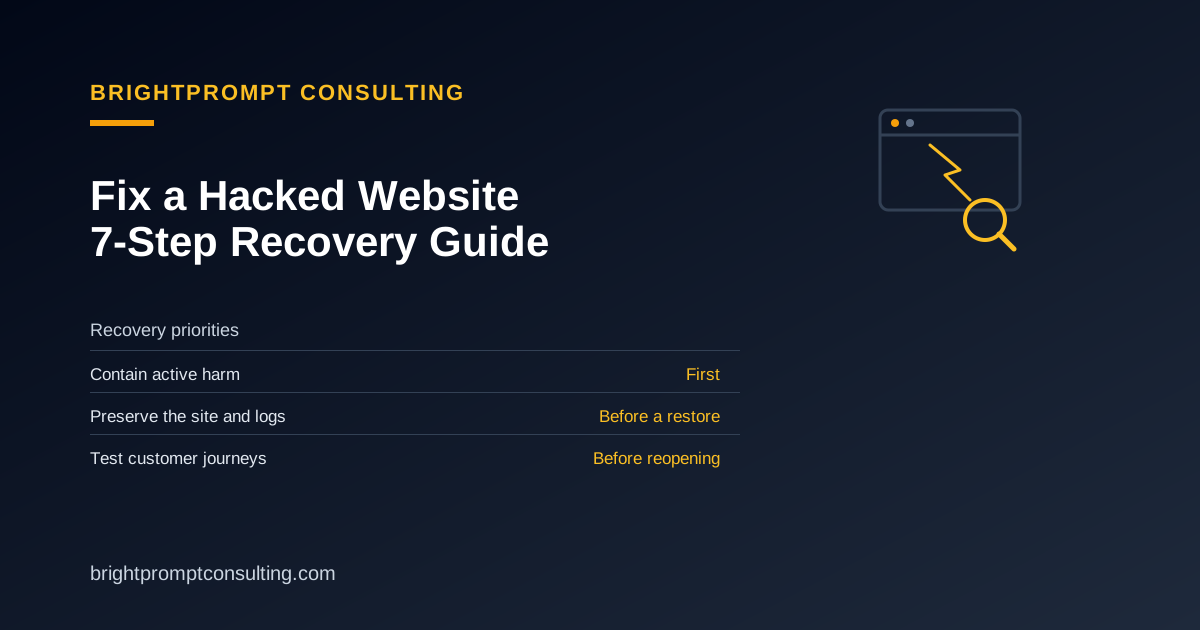
To fix a hacked website, contain the harm before changing files, preserve a copy of the affected site and its logs, secure the accounts that control it, recover from trusted components, close the entry point, and test the real customer journeys before reopening. Do not treat deleting one suspicious file or restoring the newest backup as proof that the site is clean.
BrightPrompt Consulting LLC is a small-business technology consulting firm that scopes hacked-site containment, clean restoration, vulnerable-component updates, credential-rotation planning, and recovery verification through its web development service. Before restoring analytics or consent tools, use the website cookie inspection guide to inventory browser storage and third-party tracking.
How to fix a hacked site in 7 steps
- Contain the incident. If visitors are being redirected, checkout or forms are unsafe, or the site is distributing harmful content, restrict public access through the normal hosting or maintenance controls. Avoid deleting files or overwriting the only current copy.
- Record the symptoms. Write down the affected URLs, warnings, redirects, unfamiliar users, first known time, last known-good time, and recent updates or account changes. Capture what visitors and administrators see.
- Preserve the recovery evidence. Save the current files, database, relevant hosting and access logs, and the available backup inventory before restoring or reinstalling anything. Keep the affected copy separate from backups you believe are clean.
- Secure the accounts that control the site. From a known-clean device, review access to email, hosting, the domain registrar, DNS or CDN, the CMS, SFTP or SSH, and the database. Revoke unfamiliar sessions and use an approved secure channel for credential changes.
- Choose a trusted recovery point. Confirm that the backup or replacement files predate the compromise. Identify the vulnerable plugin, theme, account, exposed key, or other access path so the restored site does not reopen the same door.
- Restore or rebuild the affected components. Replace compromised files with trusted copies, remove unauthorized users and persistence, update vulnerable software, and rotate exposed credentials. A clean rebuild is safer than editing unknown injected code in place when the affected components cannot be verified.
- Verify the recovery before reopening. Test administrator access, key pages, forms, checkout in test mode when available, redirects, HTTPS, search-visible pages, backups, and logs. Continue watching for unfamiliar changes or renewed redirects after the site returns to service.
If payment data, private customer records, several sites, or business email may be exposed, or if you cannot identify a clean recovery point, stop the DIY cleanup and coordinate with the providers responsible for the affected systems. Keep passwords, API keys, payment data, and private records out of ordinary inquiry forms and email.
For further guidance, see CISA’s incident response playbooks on evidence preservation and Google’s Search Console guide on checking security warnings after cleanup.
When DIY recovery is reasonable
DIY recovery can be reasonable when the damage is limited, the entry point is known, a verified clean backup exists, and the person doing the work can preserve logs and test the repaired site. It is a poor fit when the compromise date is unknown, a backdoor or unfamiliar administrator remains, harmful redirects return, the available backups may also be infected, or regulated or payment data may be involved.
For a WordPress site, use the WordPress emergency support checklist to gather the incident details first. If the recovery path is unclear, request website repair with the site address, symptoms, first known time, and last known-good backup date.
What BrightPrompt can scope
BrightPrompt can review the reported symptoms and available access, preserve the recovery path, scope clean restoration or trusted-component replacement, plan credential rotation and vulnerable-component updates, and verify the repaired customer journeys. Availability, the first authorized action, and expected charges are confirmed before changes begin.
BrightPrompt's published retainer is $99 per month and includes up to one hour of work; additional time is $129 per hour. Hosting, licenses, replacement services, after-hours work, taxes, and separately scoped projects are not included unless confirmed in writing. Review the IT support price checklist before comparing repair quotes.
Frequently Asked Questions
What should I do first if my website is hacked?
Contain active harm without overwriting the site, then record the symptoms and preserve the current files, database, logs, and backup inventory. Those records help identify a clean recovery point and prevent a rushed restore from destroying evidence or reintroducing the same compromise.
Do I need a hacked-site cleanup tool?
A scanner can flag suspicious files, redirects, or blocklist warnings, but no single tool proves that every backdoor, unauthorized user, or exposed credential is gone. BrightPrompt is a repair service rather than an automated cleanup tool; it can scope containment, restoration, access changes, and recovery checks when the safe path is unclear.
Can I fix a hacked website myself?
Yes, when you have a verified clean backup, know how the site was compromised, can close that entry point, and can test the repaired site. Request professional help when hidden access, reinfection, unknown injected code, uncertain backups, or sensitive data make a partial cleanup unsafe.
How long does hacked-site recovery take?
There is no reliable fixed time without reviewing the site. Recovery depends on the available backups and logs, the number of affected components and accounts, third-party response times, and whether the site can be restored from trusted files or must be rebuilt.
Will a hack hurt search visibility after the site is fixed?
It can temporarily. Search engines may keep security warnings or spam URLs visible until they recrawl the repaired site and process a review request, so technical recovery and search cleanup should be verified separately.