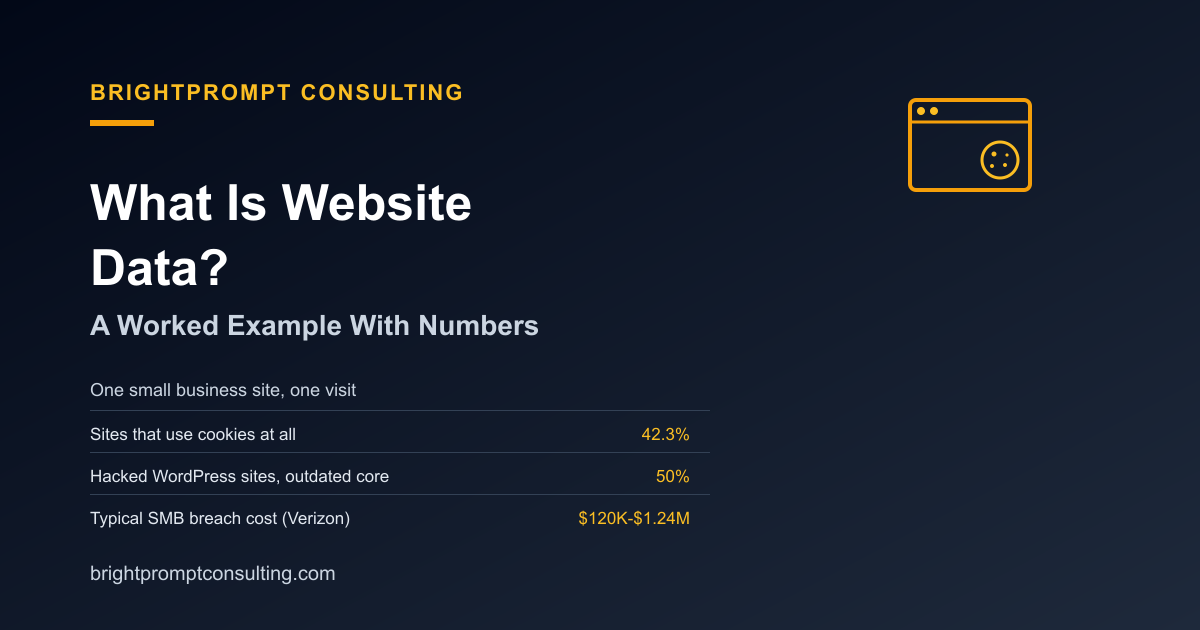
What Is Website Data? A Worked Example With Numbers
Website data is every piece of information your site creates or stores: the cookies it sets in a visitor's browser, the form entries and account records it saves in its backend, and the server logs that record who requested what and when. It splits into three buckets: visitor data (cookies, analytics), business data (customer records, orders, form submissions), and operational data (logs, backups, configuration). Below is a worked example of what a single small business site actually generates on one page visit, plus what's at stake if that data gets exposed.
BrightPrompt Consulting LLC is a small-business technology consulting firm that helps businesses understand, protect, and repair the websites and systems that hold this data.
A Worked Example: One Page Visit
Picture a small business site with a homepage, a contact form, and Google Analytics installed. A visitor lands on the homepage. Here's what happens in that single visit:
- Cookies set in the browser: an analytics cookie may record a session if the site's configuration, visitor consent and browser settings permit it. A site may also use cookies for sign-in or preferences. This example does not mean every visit sets a cookie.
- A server log entry: the visitor's IP address, browser type, the page requested, and a timestamp, written automatically by the web server regardless of whether analytics is installed.
- A database record, if they fill out the contact form: name, email, phone number, and message, stored in whatever system processes that form, a CRM, an email inbox, or a database table.
Multiply that by a month of traffic and you get a real dataset: thousands of log entries, a growing cookie-tracked analytics history, and a customer contact list. All of it is "website data," and all of it is worth protecting, because different pieces matter to different people, an attacker wants the contact list, an advertiser wants the cookie data, and you need the logs to know what happened if something goes wrong.
| Data type | Where it lives | Who wants it |
|---|---|---|
| Analytics/cookie data | Visitor's browser + analytics platform | Advertisers, marketers |
| Server logs | Web server / hosting account | You (for troubleshooting), attackers (for reconnaissance) |
| Form submissions | CRM, inbox, or database | You, and attackers if the site is compromised |
What Happens to That Data If the Site Gets Hacked
Unauthorized access can put website data at risk. Review vulnerable software, exposed credentials and access permissions when investigating a compromise; do not assume a single cause before examining the evidence.
A compromise may expose customer records, order history or account data. The affected systems and accessible records determine the scope. Response costs depend on the incident and recovery work, so a general industry figure is not a quote for your business.
How Hacked Sites Get Used After the Fact
A hacked site's data doesn't just sit there, it gets used. One common next step is deceptive URLs: attackers register look-alike domains or bury malicious links in emails that appear to come from a trusted address. Cloudflare's 2023 Phishing Threats Report analyzed approximately 13 billion emails from May 2022 to May 2023. In that dataset, deceptive links were the most common threat category, appearing in 35.6% of Cloudflare's detections. If your site's contact list or email account is compromised, it becomes a launching point for exactly this kind of attack against your own customers, but an unreachable site alone does not prove a compromise. Check hosting, DNS and application failures as well as security evidence.
What "Hacked Website Repair" Actually Involves
Fixing a compromised site is not the same job as fixing a slow one. Repair means finding and removing the injected code or backdoor, restoring from a clean backup where one exists, updating every outdated plugin, theme, and core file that gave the attacker an opening, and rotating any credentials or API keys that may have been exposed. Exposed credentials can let an attacker regain access after code cleanup. If your site needs that kind of rebuild rather than a patch, BrightPrompt Consulting's web development service covers both the repair and the hardening that keeps it from happening again, and our small-business cybersecurity guide covers the baseline protections worth having before anything goes wrong.
The Takeaway
Cookies, server logs, and business records each carry a different exposure risk, so they need different protections. Cookie data calls for a privacy policy and consent banner. Logs and backups call for retention and access controls. Customer records call for the security patching covered above. Knowing which bucket a given piece of data falls into tells you which fix actually applies to it.
Frequently Asked Questions
What is website data, in plain terms?
Website data is any information your site creates or stores: cookies set in a visitor's browser, server logs recording each request, and business records like form submissions or customer accounts saved in a database or CRM.
Do all websites collect cookie data?
No. Whether a site sets cookies depends on its features, configuration, visitor consent and browser settings. Cookies may support sign-in or preferences as well as analytics and advertising; inspect your own site's behavior rather than assuming it uses them.
To check your own site, follow the step-by-step guide to see whether your website uses cookies in Chrome, Firefox, or Safari.
What can put website data at risk?
Vulnerable software, exposed credentials and excessive access permissions can put website data at risk. Investigate the specific incident before identifying its cause.
What does a hacked website repair typically involve?
It means removing injected code or backdoors, restoring from a clean backup, updating every outdated component that allowed the breach, and rotating exposed credentials. Exposed credentials can allow access again after code cleanup.
How much does a data breach actually cost a small business?
There is no single cost that applies to every small business. The affected systems and records, downtime, investigation and recovery work determine the scope and cost of a response.
If you're not sure which bucket your own site's data falls into, or whether your backups and patching are actually current, that's the first thing to check, before a breach forces the question.