What Full-Service IT Support Covers (and Where It Stops)
Full-service IT support gives a small business one provider for everyday user help, network upkeep, security basics, backups, urgent incidents, and work that must happen onsite. It should cover the systems named in the agreement and give each kind of problem a response path; it does not automatically include every new computer, software project, compliance audit, or after-hours call. The plain-English test is simple: an employee should know whom to contact, and the contract should say what happens next.
What does full-service IT support include?
Full-service IT support usually includes six working areas: a help desk, device maintenance, network support services, account and cloud administration, backup oversight, and security response. A seventh area, planning, keeps replacements and renewals from becoming emergencies. The label itself has no fixed legal scope, so the service list and exclusions matter more than the words “full service.”
The U.S. Cybersecurity and Infrastructure Security Agency tells small and midsize businesses to use automatic, continuous backups for critical data and system configurations and to require multifactor authentication wherever possible. I would use both as baseline questions for a support proposal. Microsoft reports that more than 99.9% of compromised accounts in its data lacked MFA, which turns account protection into a concrete support task instead of a vague security add-on.
| Support area | What the provider should do | What to name in the agreement |
|---|---|---|
| User help | Fix login, email, printing, and application problems | Hours, contact method, response target |
| Devices | Patch and troubleshoot supported computers | Device count, operating systems, replacement work |
| Network | Maintain firewall, switches, Wi-Fi, and internet handoff | Named equipment, monitoring, vendor escalation |
| Accounts and cloud | Add users, remove access, and administer Microsoft 365 or Google Workspace | License purchasing, onboarding, offboarding |
| Backup | Watch backup jobs and test restores | Protected data, retention, restore frequency |
| Security | Manage MFA, endpoint protection, patching, and first response | Tools, alerts, incident limits, compliance exclusions |
| Planning | Track assets, warranties, renewals, and replacement dates | Review schedule and deliverables |
How is full-service support different from a help desk?
A help desk fixes user-reported problems, while full-service support also maintains the systems behind those tickets. If a laptop cannot reach the internet, the help desk helps that employee. Full-service support also checks whether the access point is failing, whether the firewall needs a patch, and whether the same fault affects the rest of the office.
That wider responsibility should still have boundaries. A provider may administer an existing Microsoft 365 tenant but quote a tenant migration separately. Routine firewall changes may be included while a replacement firewall and new cabling are project work. Our guide to network support and services breaks down the monitoring, patching, backups, security, and help-desk layers that sit behind the name.
How should emergency and onsite support work?
Emergency and onsite support should use written severity rules, response targets, and escalation steps. “Fast response” is too loose to schedule around. A useful agreement defines an urgent incident, states when the provider will acknowledge it, and says when remote troubleshooting becomes an onsite visit.
For BrightPrompt, urgent business-hours requests are typically answered in 1-2 hours, standard requests in 2-4 hours, and non-critical after-hours requests wait until the next business day. Critical after-hours and onsite availability are confirmed per incident. An answer time is the time to acknowledge or begin triage; it is not a promised resolution time or onsite arrival time.
A whole-office internet outage is urgent. One employee forgetting a password usually is not. A failed network switch, damaged cable, or computer that will not power on may require onsite IT support services, while an account lockout can often be fixed remotely. The emergency IT support comparison shows how a retainer, freelancer, break-fix shop, and do-it-yourself response differ when time matters.
Location affects dispatch, too. A business looking for IT support in Washington, DC should ask for the provider's actual service radius and travel terms. A DC mailing address alone says nothing about onsite capacity. Response time begins when the ticket is accepted; arrival time includes technician availability and traffic.
What does a three-hour month cost at BrightPrompt's rates?
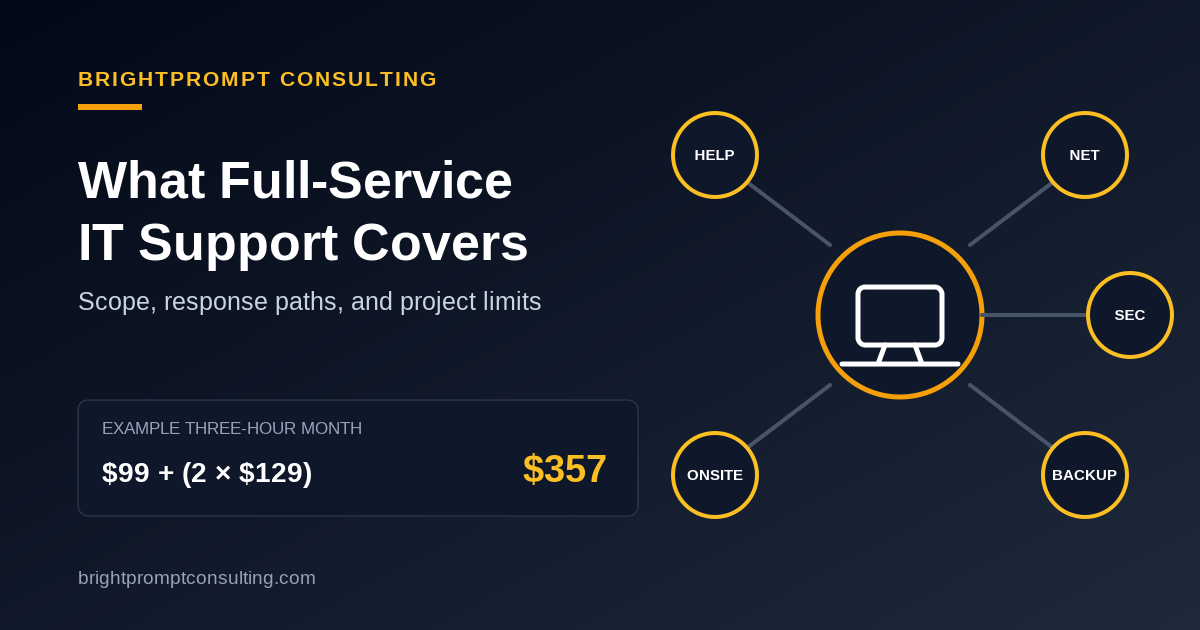
A three-hour month costs $357 under BrightPrompt's published retainer: $99 covers the first hour, and two additional hours at $129 add $258. The tickets and onsite repair below are illustrative scoped work used to show the calculation, not included full-service coverage or a guaranteed dispatch.
| Illustrative scoped work | Time | Calculation | Cost |
|---|---|---|---|
| Illustrative: two user tickets handled remotely | 45 minutes | Included hour | $99 retainer |
| Wi-Fi diagnosis and configuration | 75 minutes | 15 included + 60 additional | $129 |
| Illustrative: onsite printer and cable repair | 60 minutes | 1 additional hour | $129 |
| Total | 3 hours | $99 + (2 × $129) | $357 |
The retainer does not by itself include monitoring, hardware, licenses, travel, after-hours work or premiums, or a guaranteed onsite dispatch. BrightPrompt's small-business IT consulting page publishes the current $99 retainer, one included hour, $129 additional-hour rate, and support terms. Use the IT support price checklist to compare those terms with another quote line by line.
Where does full-service IT support usually stop?
Full-service IT support usually stops at major projects, third-party fees, unsupported systems, and specialist obligations unless the agreement adds them. A server migration, office move, custom application, compliance certification, forensic investigation, or large hardware rollout needs its own estimate because the work cannot be predicted from routine ticket volume.
Ask about four common gaps before signing:
- Parts and subscriptions: the provider's labor may be covered while laptops, firewalls, backup storage, and software licenses are not.
- After-hours work: emergency acknowledgment may be included even when overnight labor carries a premium.
- Old equipment: support may be best effort once a vendor stops issuing patches or replacement parts.
- Business applications: the IT provider may coordinate with your accounting or industry-software vendor without owning that vendor's code.
What should you ask before buying full-service IT support?
Before buying full-service IT support, ask for a one-page scope that names your users, devices, sites, network equipment, cloud services, backup responsibility, response targets, and exclusions. Then give the provider three real incidents from your last year and ask how each would be handled and billed. A specific answer is more useful than a long feature list.
Also confirm who owns administrator accounts and documentation. Your business should retain access to its domains, cloud tenant, firewall, backups, and password vault. A good provider closes loose ends while keeping the owner's access intact.
Frequently Asked Questions
Is full-service IT support the same as managed IT?
The terms often overlap. Managed IT usually means ongoing monitoring and maintenance under a recurring agreement, while “full service” emphasizes broad coverage across help desk, devices, network, security, backup, cloud, and onsite work. The written scope decides what you actually receive.
Does full-service IT support include onsite visits?
It can, but the agreement should state the service area, response target, travel charge, and minimum visit. For BrightPrompt, urgent business-hours requests are typically answered in 1-2 hours, standard requests in 2-4 hours, and non-critical after-hours requests wait until the next business day. Critical after-hours and onsite availability are confirmed per incident. Answer time is not resolution or arrival time.
Are projects included in full-service IT support?
Routine changes may be included, but major migrations, office moves, cabling, and hardware rollouts are commonly quoted as projects. Ask for examples of included changes and the threshold that triggers a separate estimate.
How much does full-service IT support cost?
Pricing depends on the users, devices, response times, tools, and project exclusions. At BrightPrompt's published rates, a $99 monthly retainer includes one hour and additional work is $129 per hour; the three-hour example in this article totals $357 before hardware or other separately billed costs.