IT Support Services Dallas: Pricing and Response Compared
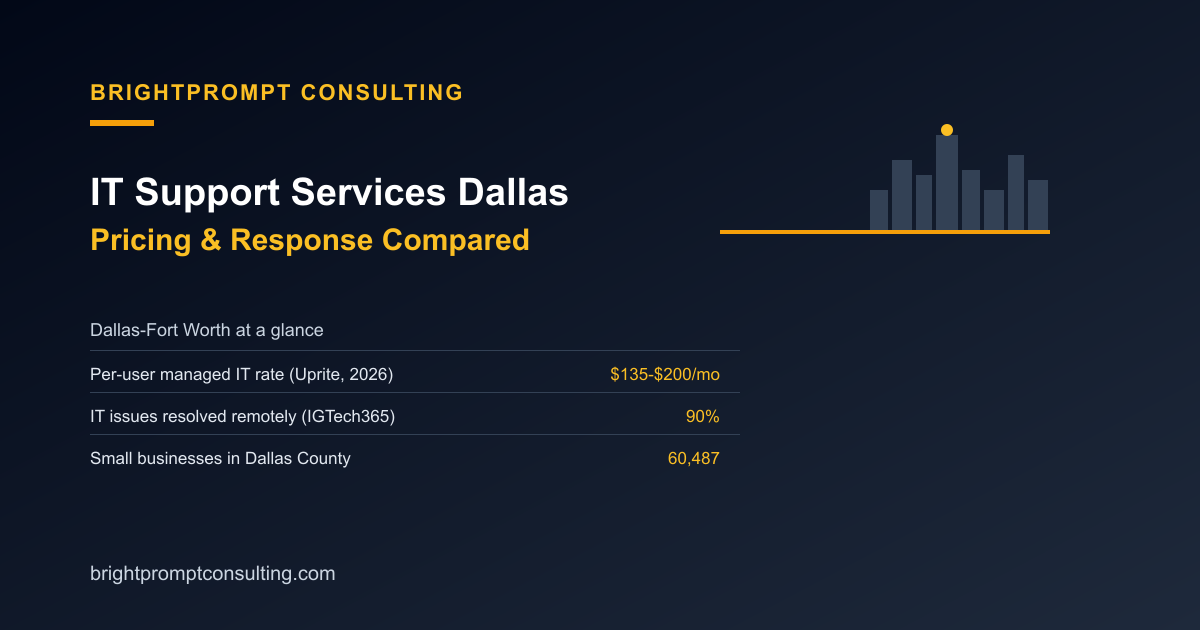
IT support services in Dallas typically cost $135 to $200 per user per month for fully managed service, according to Uprite Services' 2026 Texas MSP Pricing Index, with most Dallas-Fort Worth businesses landing in the $150 to $175 range. Dallas County has more than 60,487 small businesses, per the Dallas Regional Chamber's 2026 Economic Development Guide, which is enough competition among providers that picking one comes down to two real questions: flat-rate or per-user pricing, and remote or onsite response. Here's how those options actually compare.
Why Dallas Pricing Sits Where It Does
"Dallas-Fort Worth represents the highest-priced tier among the three Texas metros analyzed," according to Uprite Services' Texas MSP Pricing Index, which also covers Austin and Houston. Demand explains part of that: Dallas ranked #1 nationally for small business employment growth, at 4.2% year-over-year, according to Dallas Innovates' Small Business Watch report. When the small business base is growing that fast, providers don't need to compete hard on price to stay booked.
Flat-Rate vs. Per-User: What a Dallas Business Actually Pays
| Model | How it's priced | 10-person Dallas office, monthly |
|---|---|---|
| Per-user MSP (typical Dallas rate) | $150-$175 per user, per month, per Uprite's 2026 index | $1,500-$1,750 |
| Flat business retainer (BrightPrompt) | $99/month flat, includes 1 hour, $129/hour beyond that | $99-$486 for 0-3 overage hours |
Take a 10-person Dallas office on a typical per-user plan at $165 a month per seat, the midpoint of Uprite's range. That's $1,650 a month regardless of how many actual support hours get used. The same office on a flat retainer like BrightPrompt's $99-a-month plan pays $99 plus $129 for each hour beyond the one included, so even a heavier month of 3 overage hours totals $486, less than a third of the per-user cost. The math only flips in favor of per-user pricing once a business needs more than roughly 12 hours of support a month, which is unusual outside of an active project or migration.
Remote vs. Onsite: How Fast Should a Dallas Provider Respond?
Industry benchmark SLAs for 2026 call for a 15-minute acknowledgment and a 4-hour resolution target on critical issues, according to Uprite's MSP SLA benchmark data. In practice, most of that resolution happens without anyone driving to your office: 90% of IT issues get resolved remotely without an onsite visit, according to IGTech365's analysis of MSP response-time benchmarks. Onsite dispatch still matters for the remaining 10%, mainly hardware failures, cabling, and anything that physically needs replacing, which is the same split our worked example of onsite IT support walks through with a real incident and real numbers.
How Dallas Compares to Other Markets
Dallas's $135-$200-per-user range sits below Washington DC's $110-$225 band once you factor in DC's heavier mix of federal and compliance-driven work, which our DC IT support comparison breaks down in detail. It runs close to Richmond's $105-$190 standard range, covered in our Richmond IT support pricing guide, which tracks with both cities having a similar mix of general small businesses alongside a smaller compliance-driven segment. The pricing gaps between metro areas mostly come down to how much of the local client base needs FedRAMP, CMMC, or HIPAA-level work layered on top of standard support.
What to Confirm Before You Sign With Any Dallas Provider
Whichever pricing model you're quoted, get the response-time commitment in writing, not just in the sales pitch, and confirm whether onsite dispatch is included or billed as an add-on. Ask what's actually monitored, too. "24/7 monitoring" can mean full network visibility or just a handful of servers, and the gap between those two only shows up once something outside the watched list breaks. Our network support company evaluation checklist walks through the full list of questions to ask before signing, including escalation paths and contract exit terms, which matter just as much in Dallas as anywhere else.
Frequently Asked Questions
How much does IT support cost in Dallas?
Fully managed IT support in Dallas runs $135 to $200 per user per month, according to Uprite Services' 2026 Texas MSP Pricing Index, with most Dallas-Fort Worth businesses paying between $150 and $175 per user.
Is flat-rate or per-user pricing better for a Dallas small business?
It depends on headcount and how much support you actually use. A 10-person office typically pays $1,500 to $1,750 a month on a per-user plan versus $99 to roughly $486 a month on a flat business-wide retainer, so flat pricing wins unless a business consistently needs more than about 12 hours of support monthly.
Should I choose a local Dallas provider or fully remote IT support?
Either can work, since 90% of IT issues resolve remotely without a technician on site, according to IGTech365's MSP benchmark data. What matters is confirming the provider has an onsite dispatch option, local or not, for the hardware and cabling issues that remote tools can't fix.
How fast should a Dallas IT support provider respond to an emergency?
Look for a written SLA of roughly a 15-minute acknowledgment and a 4-hour resolution target on critical issues, which is the 2026 industry benchmark according to Uprite's SLA data. A verbal promise of "fast response" with no number attached isn't a real commitment.
What's included in managed IT support in Dallas?
Typical managed plans cover monitoring, patching, help desk support, and basic security, with onsite dispatch and compliance work often priced as add-ons. Confirm what's bundled versus billed separately before comparing quotes, since two providers quoting similar per-user rates can include very different scopes of work.