How to Choose a Network Support Company
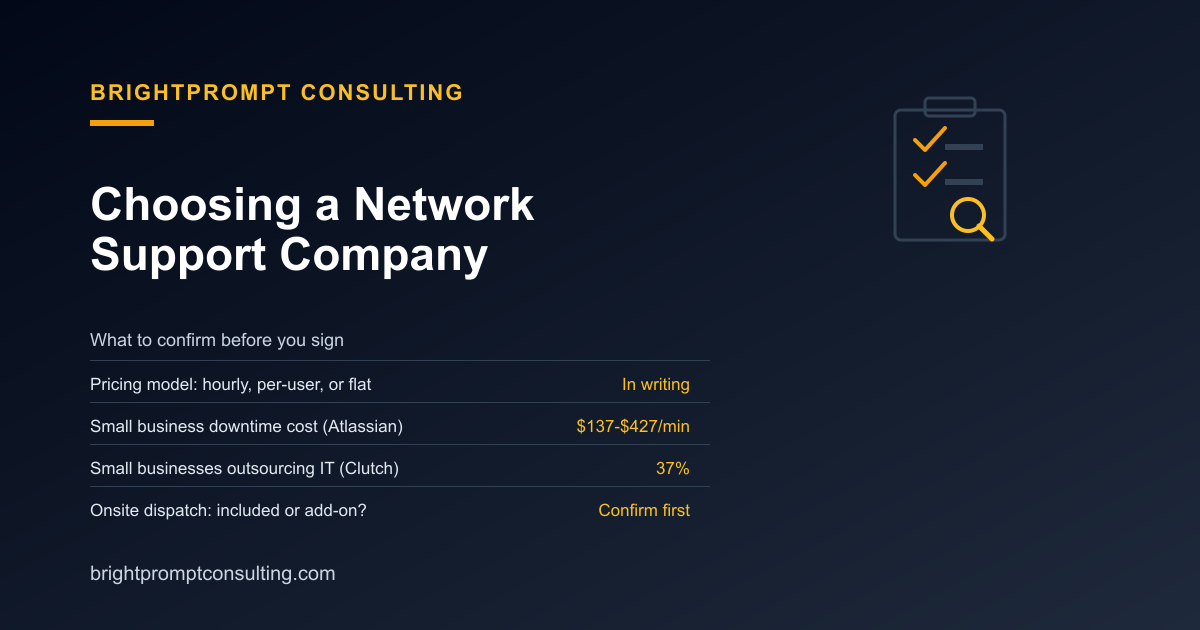
Choosing a network support company comes down to three things: which pricing model they use, what response time they'll actually commit to in writing, and whether onsite dispatch is included or billed separately. Small business downtime costs $137 to $427 a minute, or roughly $8,000 to $25,000 an hour, according to Atlassian's cost-of-downtime data, so the provider's response commitment matters more than the number on the quote. This checklist walks through what to compare before you sign, side by side, rather than taking any one provider's pitch at face value.
Start With What "Network Support" Should Include
If you're not yet sure what falls under network support versus website support versus a help desk contract, our explainer on network support and services breaks down the five core pieces: monitoring, patching, backups, security, and a help desk. This piece assumes you already know roughly what you need and are now comparing specific companies against each other.
Flat-Rate vs. Hourly vs. Per-User: A Comparison
| Pricing model | How it works | Watch for |
|---|---|---|
| Hourly break-fix | Billed per incident, no monthly commitment | No incentive to prevent problems; costs spike when things break often |
| Per-user managed retainer | Flat fee per employee per month | You pay for every seat, even ones that rarely open a ticket |
| Flat business-wide retainer | One flat monthly fee regardless of headcount | Usually caps included hours, with overage billed hourly |
| Enterprise NOC contract | Dedicated network operations center, often with custom SLAs | Priced and scoped for larger networks than most small businesses run |
None of these models is universally "better." A two-person office with light, predictable needs usually does better on a flat business-wide retainer than a per-user plan sized for a 20-person team. A company with fluctuating headcount might prefer per-user pricing specifically because it scales automatically. Most people who get burned didn't pick the wrong model, they never confirmed which model they were actually being quoted.
The Vendor Evaluation Checklist
- Get the pricing model in plain language. Ask the provider to state directly whether the quote is hourly, per-user, or flat business-wide, and get it in the contract, not just a sales conversation.
- Get a written response-time SLA, not a verbal promise. "Fast response" means nothing without a number attached, and that number should differ for critical outages versus routine tickets.
- Confirm whether onsite dispatch is included or billed as an add-on. Remote troubleshooting doesn't fix a dead switch or a miswired connection; someone has to show up in person for that.
- Ask what's actually monitored. "24/7 monitoring" can mean full network visibility or just a handful of servers. Get the specific list of what's watched.
- Find out the escalation path. If the first technician doesn't answer or can't resolve it, who's next, and how long before that escalation kicks in automatically?
- Check the contract length and exit terms. A provider confident in their service shouldn't need a long lock-in with steep early-termination fees to keep your business.
- Ask whether security services are included or a separate line item. Firewall management, endpoint protection, and backup verification sometimes get quoted separately from "network support," which changes the real monthly total.
Why the Response-Time Line Matters More Than the Rate
It's tempting to sort quotes by price alone, but the response commitment is what determines what an outage actually costs you. At $137 to $427 a minute for a small business, per Atlassian's figures, a provider that takes four hours to show up costs you far more in lost operating time than the difference between a $99-a-month plan and a $150-a-month one. Roughly 37% of small businesses already outsource IT services rather than hire in-house, according to Clutch research, which means most of the market has already accepted that the real comparison is between providers, not between doing it yourself and hiring anyone at all.
Different Businesses Need Different Commitments
The right answer changes with what you run. A hotel or B&B needs a provider who can dispatch someone physically for a broken door lock or payment terminal at any hour, which is a different bar than a standard office needs; our guide to hotel IT support goes through that in more detail. A business in a market like Richmond, VA is choosing between local break-fix shops, per-user MSPs, and compliance-focused firms, each with a different pricing structure worth comparing side by side. And if you want to see what a real onsite response looks like in practice, including actual costs, our worked example of onsite IT support walks through a real incident start to finish.
Red Flags Worth Walking Away From
- A provider that won't put a response-time number in writing
- Pricing that's vague about what counts as an "included" hour versus billable overage
- No named escalation contact if your main point of contact is unavailable
- A multi-year contract with no clear exit clause
- Reluctance to explain, specifically, what their monitoring actually watches
Once you've narrowed the field, run each finalist through our IT support price checklist to compare them on equal footing. And if you're still deciding whether your business needs a dedicated network support company at all versus handling things ad hoc, BrightPrompt Consulting's business consulting services can help you size that decision before you commit to a contract.
Frequently Asked Questions
What should I look for when comparing network support companies?
Compare the pricing model (hourly, per-user, or flat business-wide), a written response-time SLA, whether onsite dispatch is included, what's actually monitored, the escalation path, and the contract length and exit terms. Price alone doesn't tell you what you're actually getting.
Is flat-rate or hourly billing better for network support?
It depends on how often you expect to need help. Hourly billing can cost less in a quiet month but removes any incentive for the provider to prevent problems. A flat retainer costs the same either way, which tends to align the provider's incentives with keeping your systems running rather than billing for outages.
How much does network downtime actually cost a small business?
Small business downtime costs $137 to $427 per minute, or roughly $8,000 to $25,000 per hour, according to Atlassian's cost-of-downtime data. That's why a provider's response-time commitment matters as much as their hourly or monthly rate.
Do most small businesses outsource their network support?
A significant share do. Roughly 37% of small businesses outsource IT services rather than maintain an in-house team, according to Clutch research, treating the decision as a comparison between providers rather than between outsourcing and going it alone.
Should onsite dispatch be included in a network support contract?
Confirm it either way before signing. Some contracts include onsite dispatch for hardware failures; others charge extra or only offer remote troubleshooting. Since a dead switch or miswired connection can't be fixed remotely, this is worth clarifying upfront rather than discovering it during an outage.