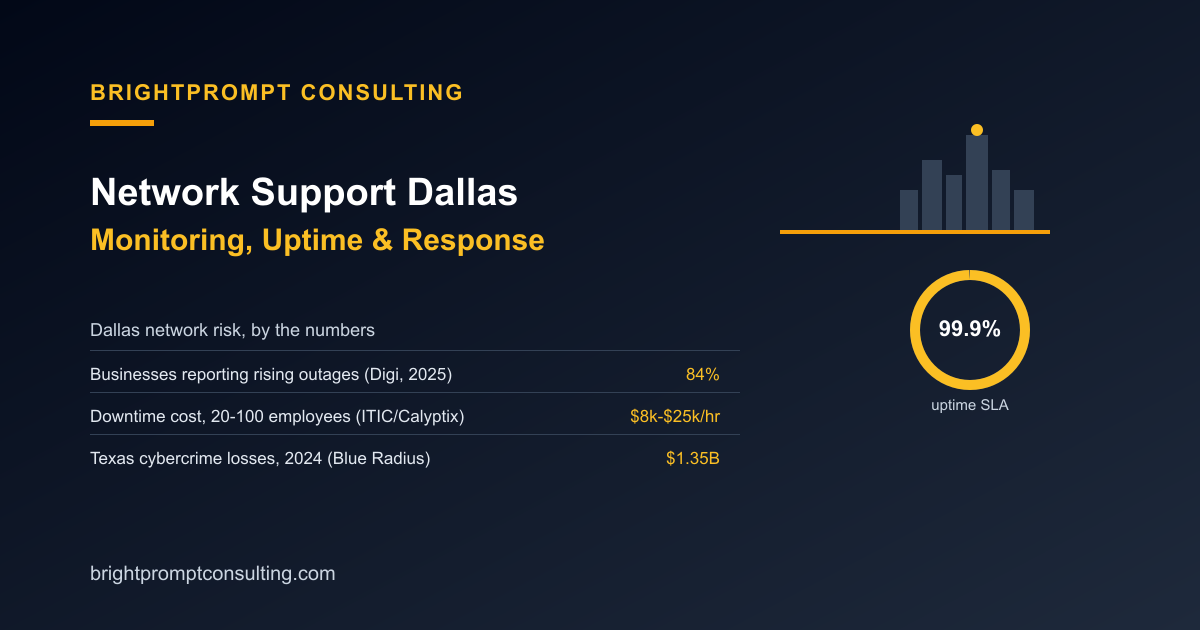
Network Support Dallas: Monitoring, Uptime, and Response
Network support in Dallas means continuous monitoring of your routers, switches, and connections, a written uptime commitment, usually 99.9%, and a defined onsite response time for the hardware issues that can't be fixed remotely. The reason that combination matters more in 2026 than it used to: 84% of businesses report rising network outage frequency over the past two years, according to Digi's 2025 survey of over 1,000 CIOs and CSOs, with more than a quarter seeing outages jump 25% to 50%. Here's what real network support should include and what the math looks like if you skip it.
What Does a Network Outage Actually Cost a Dallas Business?
Small and midsize businesses with 20 to 100 employees lose an estimated $8,000 to $25,000 per hour of network downtime, according to a 2025 joint study by ITIC and Calyptix Security. Run that against a 10-person Dallas office: even a conservative $8,000-an-hour estimate turns a two-hour outage into $16,000 in lost productivity and missed business, more than three years of a typical monitored-network retainer. More than a third of organizations reported losses between $1 million and $5 million from outages over the past year, per Digi's 2025 data, which is the scale that makes "we'll get to it" an expensive answer.
| Outage length | Cost at $8,000/hr (low end) | Cost at $25,000/hr (high end) |
|---|---|---|
| 30 minutes | $4,000 | $12,500 |
| 2 hours | $16,000 | $50,000 |
| Full business day (8 hrs) | $64,000 | $200,000 |
What Uptime and Response Time Should a Dallas Provider Guarantee?
99.9% uptime is the standard SLA threshold among managed providers, which allows roughly 43.8 minutes of downtime per month, according to Uprite's 2026 MSP SLA benchmark data. The same benchmark puts median response time for critical network issues at 5 minutes, with 90% of providers responding within 15 minutes. A provider quoting "fast response" without a number attached isn't offering a real commitment, and 96.16% SLA compliance across roughly 187 million support tickets is the industry-normal performance bar, per Freshworks' ticket analysis cited in Uprite's benchmark, so a provider missing a small percentage of tickets isn't unusual; missing it consistently is.
Why Does Network Security Matter More in Dallas Specifically?
Texas businesses lost a combined $1.35 billion to cybercrime in 2024, the second-highest state total in the country, with 7,854 extortion attacks averaging $4,267 per incident and 5,424 data breaches averaging $3,891 per incident, according to Blue Radius' 2025 Texas Cybersecurity Breach Report. Dallas-Fort Worth specifically ranks among the most frequently targeted metro areas for cyberattacks in the country, per CHR Solutions' regional cybersecurity analysis, which is part of why network monitoring in Dallas needs to include intrusion detection, not just uptime pings. Our guide to fixing a hacked website covers what happens on the application side when that kind of attack gets through; network-level monitoring is what's supposed to catch it before it does.
Does Dallas's Network Infrastructure Make This Easier or Harder?
Dallas has it easier than most Texas metros on raw infrastructure: the market has around 8 major ISP options with roughly 55% fiber coverage, according to BroadbandNow's 2026 Texas broadband data, with Frontier and AT&T Fiber offering speeds up to 7 Gbps and 5 Gbps respectively. More bandwidth doesn't prevent outages on its own, though. It just means a Dallas business has more provider options to pair with proactive monitoring, which is the piece that actually catches a failing switch or a flooded port before it takes a whole office offline.
How Does This Fit Into Overall IT Support Pricing in Dallas?
Network monitoring is typically one line item inside a broader managed IT plan rather than a standalone product, and our IT support services Dallas pricing comparison breaks down the $135-$200-per-user range Dallas providers typically charge for the full bundle. What's worth confirming separately is whether network monitoring is included in that number or billed on top of it, since some providers treat 24/7 monitoring as a premium add-on rather than a baseline. Our network support company evaluation checklist walks through the exact questions to ask to get that answer in writing before you sign.
Frequently Asked Questions
What should network support in Dallas actually include?
24/7 monitoring of routers, switches, and connections, a written uptime SLA (typically 99.9%), and a defined response time for issues that need onsite attention. Anything less is reactive support with a network label on it.
How much does network downtime cost a small business?
Businesses with 20 to 100 employees lose an estimated $8,000 to $25,000 per hour of network downtime, according to a 2025 ITIC and Calyptix Security study, which means even a short outage can cost more than a year of monitored network support.
What response time should a Dallas network provider commit to?
Look for a written SLA near the industry benchmark: a median 5-minute response and 15-minute response for 90% of critical issues, according to Uprite's 2026 MSP SLA benchmark data, with 99.9% uptime guaranteed in the contract.
Is Dallas more exposed to network security threats than other markets?
Texas lost $1.35 billion to cybercrime in 2024, the second-highest total of any state, according to Blue Radius' 2025 Texas Cybersecurity Breach Report, and Dallas-Fort Worth ranks among the most frequently targeted metro areas in the country, per CHR Solutions' regional analysis.
Does better internet infrastructure in Dallas reduce the need for network monitoring?
No. Dallas has strong fiber availability, with roughly 55% coverage and speeds up to 7 Gbps from major providers according to BroadbandNow's 2026 data, but bandwidth doesn't prevent a failing switch or an intrusion. Monitoring is what catches those before they cause an outage.